We produce live shows. We train hosts.

OpenStudio produces TikTok LIVE shows about beauty, fashion and tech. Curious about hosting? We’ll help you find your voice, rehearse with you and stay by your side for your first streams.

LIVE LIVE · 04:37:12
ON CAMERA
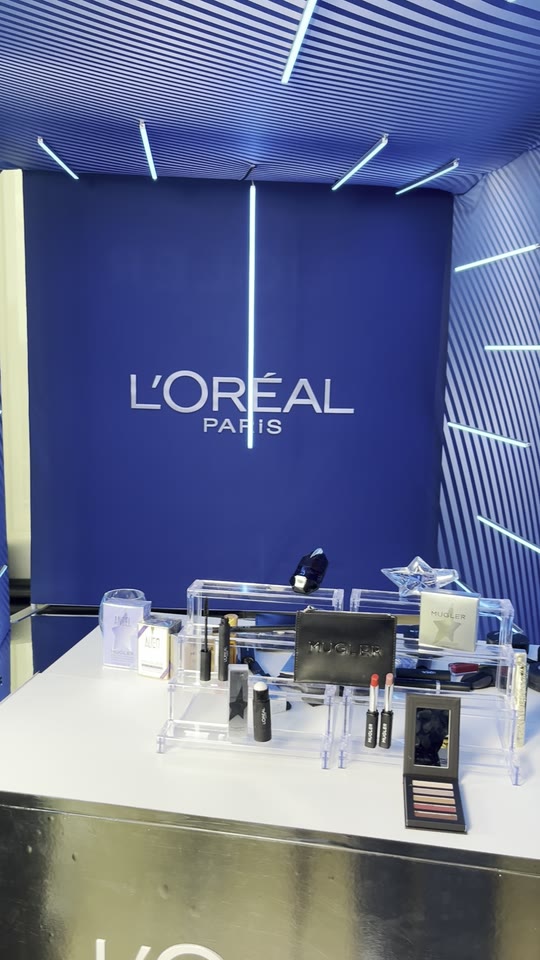
L’Oréal MuglerFrom the archive
TogetherThrough your first LIVE
In the project archive

Unilever logo L'Oréal Groupe logo The Coca-Cola Company logo Victoria's Secret logo TRESemmé logo CeraVe logo Vaseline logo Simple logo RoC logo ghd logo Cantu logo Eylure London logo The Fragrance Shop logo Glaze logo
P.Louise logo AKT London logo Huel logo Primark logo Silentnight logo Liquid I.V. logo Edikted logo Painted by James Charles logo Revive Collagen logo The Beauty Crop logo Free Soul logo Glow For It logo Bellavita logo WillPowders logo
The host’s role01 / 06

A good demo starts with a conversation.

To begin

Introduce the product.

Show viewers what you’re holding and what you plan to try with it.

During the demo

Try it on camera.

Give viewers a moment to see the result before you move to the next step.

In the chat

Pick up a question.

Pick up a viewer’s question. If someone missed a step, show it again.

On air

Leave room for questions.

If someone missed a detail, find out what they’d like to see and show it again.

Preparation02 / 06

Before you go live.

Before the camera goes live, we run through the setup with the host. A rehearsal leaves room to try things twice.

1Open the team’s TikTok account
2Check the mobile connection
3Frame the shot on the phone
4Listen back to the sound
5Open the demo materials
6Rehearse the opening line
7Check what viewers can see
8Keep the live chat in view

Run through the opening together. If a line feels awkward, try it in your own words.

Team experience03 / 06

Behind the scenes.

A skincare demo needs a close-up. A fashion stream needs room to move. Our team builds the format around what the audience wants to see.

Planning

Choose what viewers should understand by the end of a broadcast and how to demonstrate it.

Explore strategy →

Shop management

A look at the account and product setup behind a shopping stream.

Explore shop management →

Affiliates & influencers

See how creators introduce a product in their own voice.

Explore affiliates →

TikTok LIVE

From the opening line to the last question, see how a live show is put together.

Explore LIVE →

Content

See how a product demonstration becomes a short, clear explanation on camera.

Explore content →

Paid media

Explore how recorded clips reach viewers after the live broadcast.

Explore paid →
The work04 / 06

From the archive.

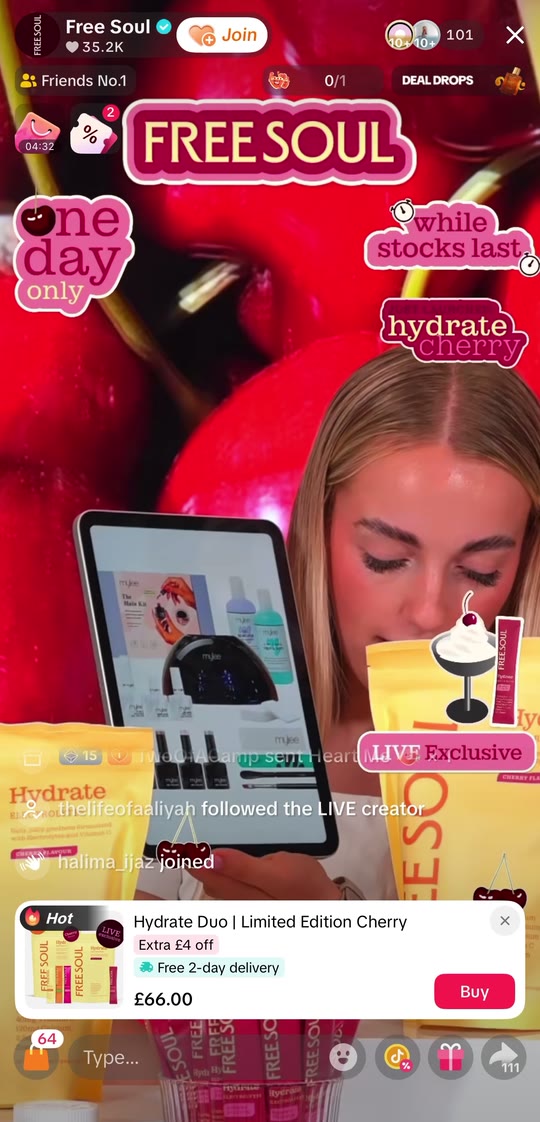
Watch how our hosts change the pace, the camera angle and the way they explain a product from one show to the next.

View the portfolio. →Browse the projects behind the images in this reel.
Technology05 / 06

Inside LiveHost.

LiveHost helps us plan the broadcast, coordinate hosts and look back at what happened on air.

Explore LiveHost
How we work06 / 06

Your first broadcast.

Whether it’s your first time on camera or you already stream, we’ll walk through the format with you.

01

Account

We provide the TikTok account and help the host get it ready for the stream.

02

Materials

We prepare the material so the host can focus on explaining what viewers see.

03

Rehearsal

Rehearse the opening with us. If you lose your place, pause and start that part again.

04

On air

You lead the conversation. We’re there for the first streams and help you work through questions afterwards.

Get to know OpenStudio

Want to know who prepares the show, who supports the hosts or how a new topic becomes a broadcast? We’d love to hear from you.

Contact us

Intro call booking

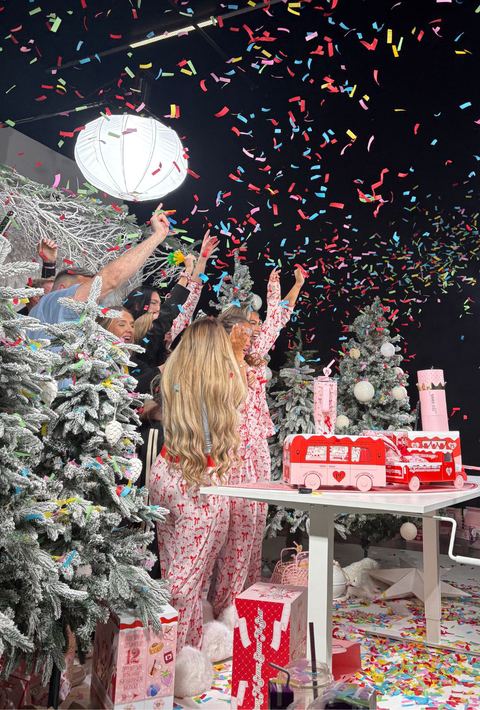
The studio photographs on this page are from our production archive.